||




 Chinese New Year
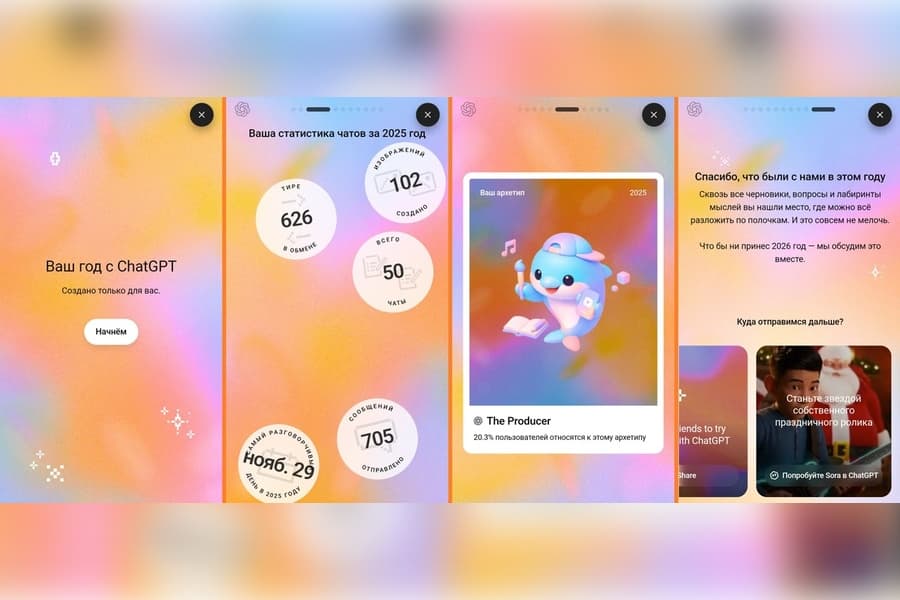
OpenAI has launched a new feature called Year in Review, allowing ChatGPT users to look back on their personal activity over the past year. The neural network can now analyze your usage and generate a report showing how often you interacted with ChatGPT, which topics you discussed most frequently, and how many images you created.
How to view your statistics
To receive your report, simply send the following phrase in the chat: “Show me my year with ChatGPT.” The AI will scan your chat history and present a clear and visual summary of your activity. At the end of this “journey through the year,” the AI even prepares a small symbolic “reward” for the user.
For the feature to work properly, the Memory and Chat History options must be enabled in your application settings. At present, the update is being gradually rolled out to users in the United States, the United Kingdom, Canada, New Zealand, and Australia.
This feature is more than just entertainment. It helps users understand how they spent their time, which ideas they focused on most, and what questions they asked the AI most often. If you have not yet gained access to the feature, make sure your application is updated to the latest version. A global rollout to other regions is expected in the near future.
ORIENT